
Download Photo Go – Photo Management, Digital Organization, Photo Tagging
Overview
Photo Go is a mobile application developed by Sony, designed to help users manage and organize their digital photo collections efficiently. With the increasing volume of photos captured on smartphones and digital cameras, maintaining a coherent and accessible library has become a common challenge. Photo Go addresses this by offering a streamlined interface and essential tools for viewing, tagging, and categorizing images. Its primary purpose is to simplify the photo management process, making it easier for users to locate specific photos and preserve digital memories without complexity.
The app is particularly beneficial for individuals with growing photo libraries who seek a lightweight, user-friendly solution. Whether someone is organizing photos from a family vacation, a personal project, or daily life, Photo Go provides a structured yet accessible platform. It caters to both novice users and those who prefer straightforward tools without the complexity of professional-grade software. The application’s focus on usability and basic functionality positions it as a practical utility in the mobile ecosystem, especially for Sony device users or those integrated into Sony’s broader digital ecosystem.
Although the developer did not provide additional technical details, the app’s release date of June 8, 2009, indicates a long-standing presence in the market, suggesting stability and consistent updates over time. Its enduring relevance highlights its value as a foundational tool for digital photo organization. Real-world use cases include backing up memories, preparing images for sharing, and maintaining a clean, searchable photo archive. In an era where digital content is central to personal expression, Photo Go offers a reliable method for preserving and accessing visual history.
Key Features & Functionality
- User-Friendly Interface: The app features a clean, intuitive layout designed to minimize user confusion. This makes it accessible to individuals of all ages, especially those who may not be tech-savvy. The interface prioritizes ease of navigation, allowing users to focus on managing photos rather than learning complex controls.
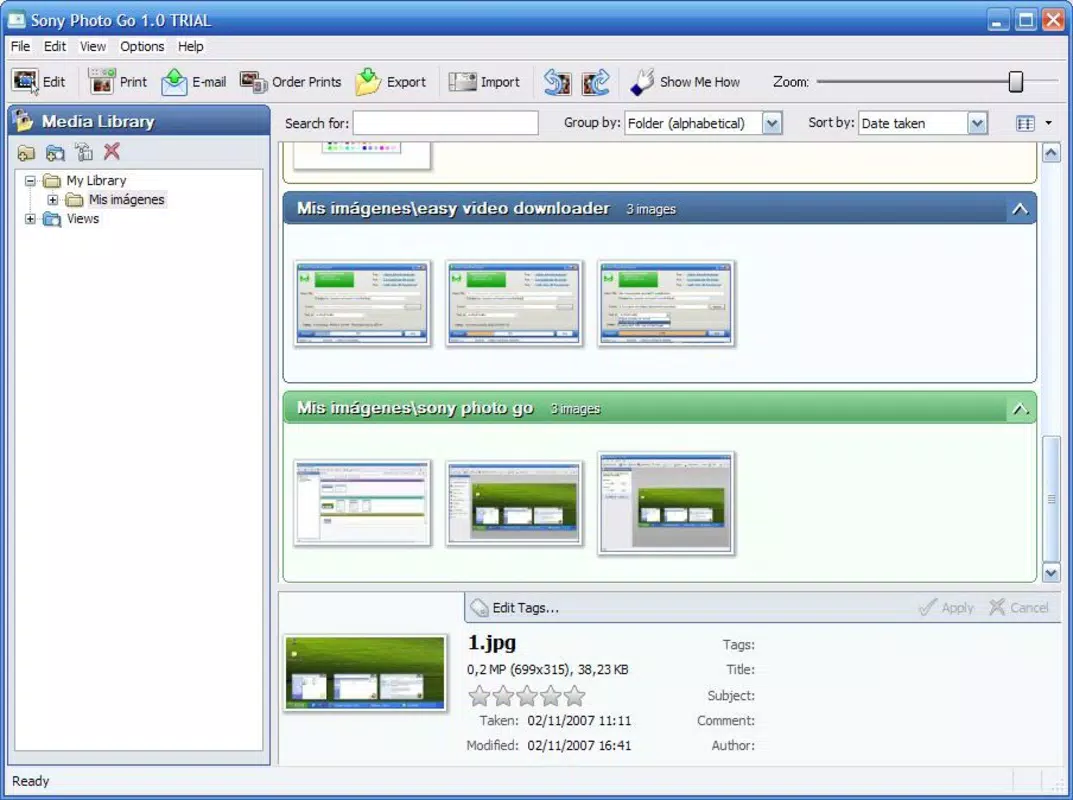
- Photo Management Tools: Users can tag, sort by date, and evaluate image quality, which enhances searchability and organization. These tools support efficient retrieval of specific photos, particularly useful when managing large collections.
- Album Creation: The ability to create custom albums enables users to group photos by events, themes, or personal preferences. This feature supports personalized organization and makes it easier to revisit memories in context.
- Import and Export Options: Photo Go allows for seamless transfer of images between devices, supporting flexible integration across platforms. This ensures users can back up their photos and share them without technical barriers.
- Favorite and Recent Views: The app includes dedicated sections for recently viewed and favorite photos, enabling quick access to important or frequently used images. This feature enhances daily usability for users who regularly share or review their most cherished moments.
These features collectively support practical workflows such as organizing vacation photos, preparing images for social media, or maintaining a digital scrapbook. By combining simplicity with essential functionality, Photo Go serves as a dependable tool for everyday photo management needs.
Interface, UX & Performance
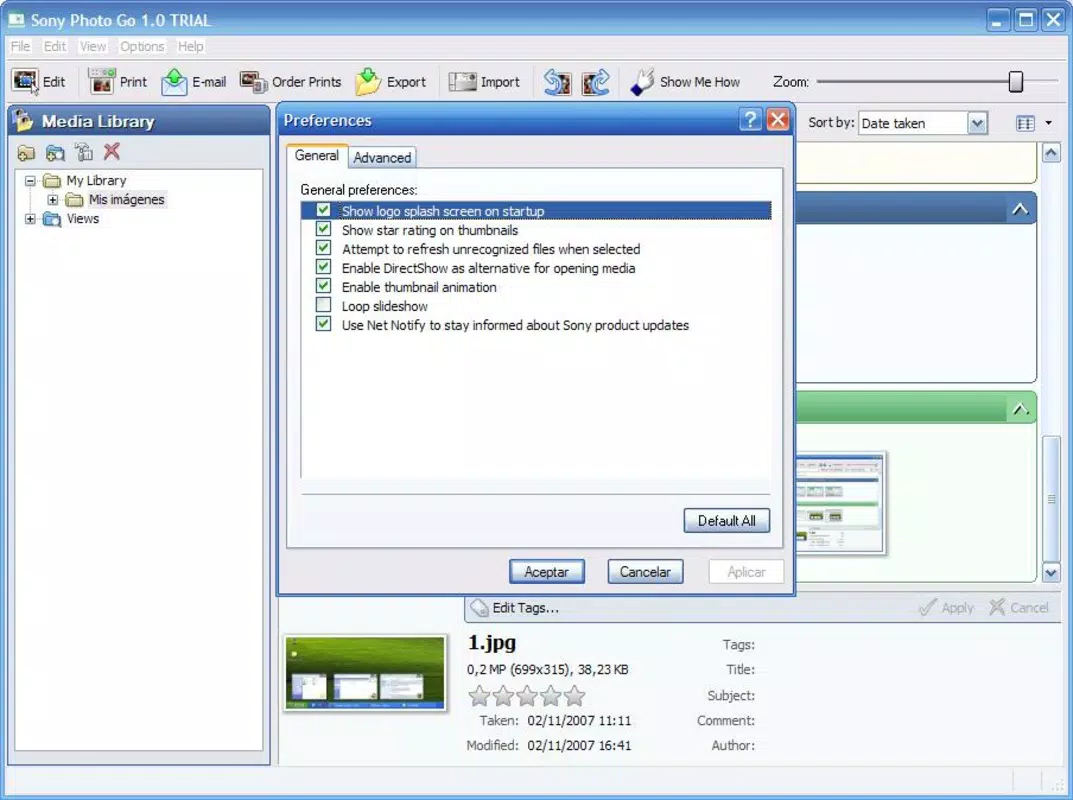
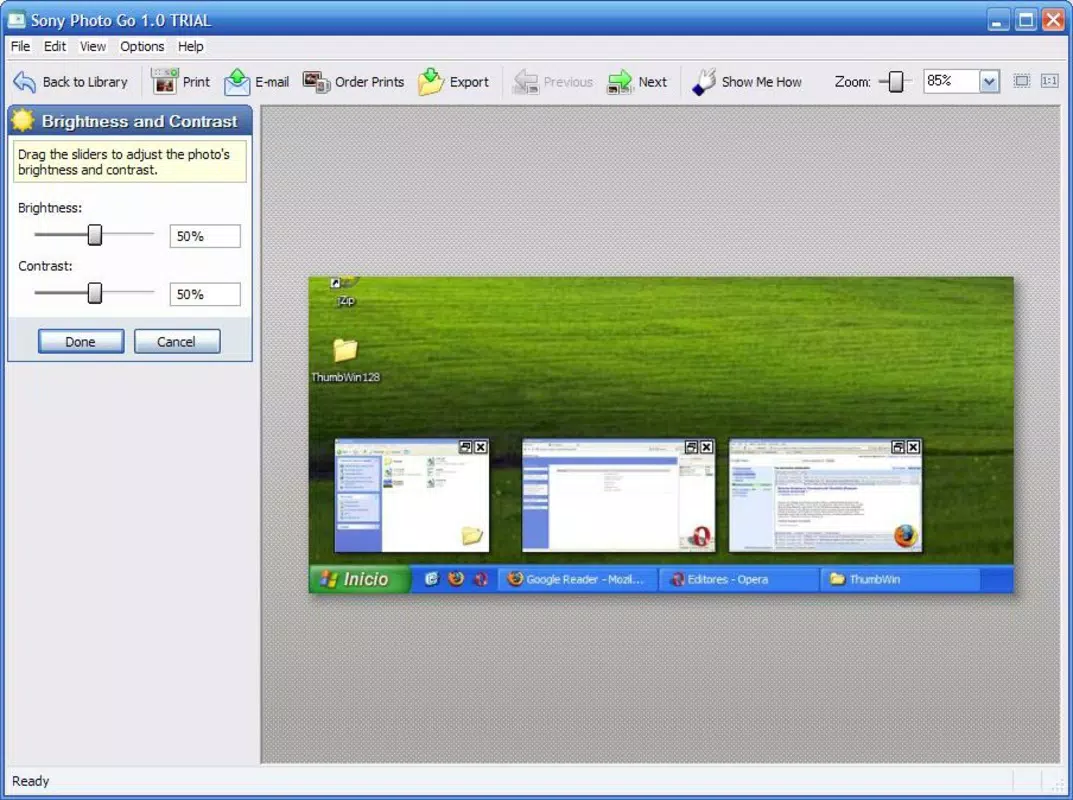
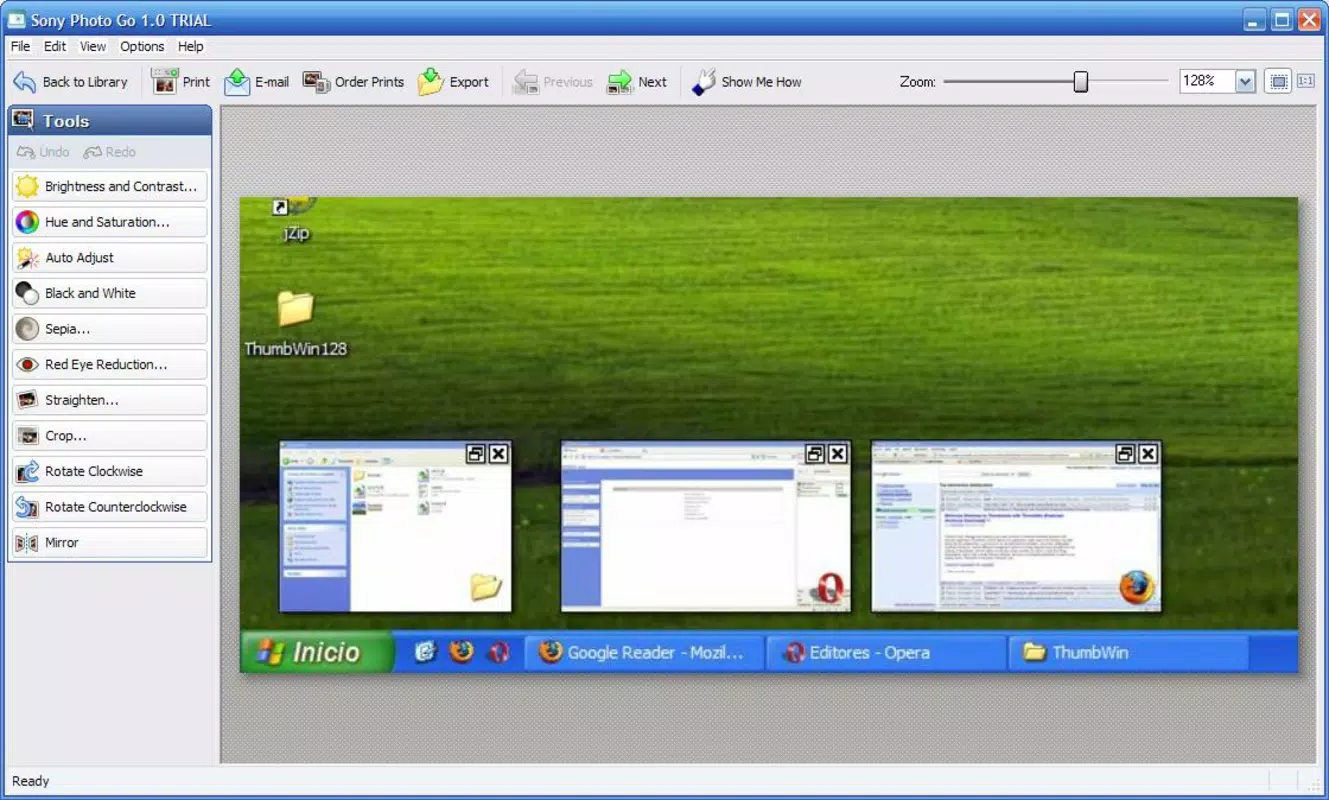
The user interface of Photo Go is designed with clarity and simplicity in mind. It employs a minimalistic layout with intuitive icons and straightforward navigation, reducing cognitive load and enabling users to perform tasks with minimal effort. The visual style emphasizes readability and accessibility, ensuring that even older users or those unfamiliar with digital tools can engage with the app confidently.
Navigational flow is linear and predictable, allowing users to move between photos, albums, and settings without confusion. The app maintains a consistent design language across all screens, which contributes to a cohesive user experience. Although the developer did not list formal performance metrics, the app’s long-standing presence suggests a stable and responsive operation across various device categories.
Responsiveness appears to be well-optimized, with smooth transitions between views and quick loading times for photo thumbnails. Stability is likely maintained through regular updates, though specific details on crash rates or memory usage were not disclosed. Users can expect consistent performance during routine tasks such as browsing, tagging, and organizing photos. Overall, the UX is designed to prioritize efficiency and ease, aligning with the app’s goal of simplifying digital photo management for everyday users.
Platform Compatibility & Technical Requirements
Photo Go is available on Android and iOS platforms, supporting a wide range of mobile devices. The application has a file size of 15.2 MB, which is relatively lightweight for a photo management tool. This compact size suggests efficient code optimization and minimal storage impact, making it suitable for devices with limited space.
The software version is 1.0.0, and the app was released on June 8, 2009. While the developer did not specify minimum OS requirements, the age of the app indicates compatibility with older Android and iOS versions. However, users should verify current compatibility with their device’s operating system, as newer OS updates may affect performance. Specific requirements were not listed, so users are advised to check their device settings before installation.
Pros and Cons
Pros
- Simple and intuitive interface ideal for beginners and older users
- Lightweight file size (15.2 MB) with minimal storage impact
- Effective tools for tagging, sorting, and organizing photos
- Supports custom album creation for personalized organization
- Provides quick access to favorites and recent photos
Cons
- Outdated release date may affect compatibility with modern devices
- Limited feature set compared to contemporary photo apps
- Developer did not provide detailed technical specifications
- No information on cloud integration or backup options
- Performance on newer devices may not be optimized
FAQ
Is Photo Go free to download and use?
Yes, Photo Go is available for free on both Android and iOS platforms. There are no in-app purchases or subscription fees mentioned in the provided information.
Can I use Photo Go on my current smartphone?
While the app was released in 2009, it may still function on modern devices. However, compatibility depends on your device’s operating system version. The developer did not specify minimum OS requirements, so users should verify compatibility with their device settings.
Does Photo Go support cloud storage or syncing across devices?
The developer did not provide information about cloud integration or cross-device syncing. Users should assume that photo management is limited to the local device unless otherwise stated.
How do I update Photo Go?
Updates are typically available through the official app store (Google Play or Apple App Store). Users should check their device’s app store for available updates to ensure they have the latest version.
Is Photo Go secure for storing personal photos?
As a mobile application developed by Sony, Photo Go is expected to follow standard security practices. However, specific details on data encryption or privacy policies were not provided. Users should ensure their device is protected with up-to-date security measures.
Final Thoughts
Photo Go remains a dependable solution for users seeking a straightforward way to organize their digital photos. Its clean interface, lightweight design, and essential management tools make it a practical choice for individuals who value simplicity over advanced features. While the app’s age may raise concerns about compatibility and modern functionality, its core purpose—helping users maintain a clear and accessible photo library—remains relevant.
It is especially beneficial for Sony users or those who prefer minimalistic tools without unnecessary complexity. For anyone managing a growing collection of photos and looking for a reliable, no-frills utility, Photo Go delivers consistent value. Its long-standing presence in the market speaks to its reliability and user-focused design.
Download Photo Go now


